PassLogic Help
Return

Return
Direction: how to set token-less one-time password(pattern).
How to use PassLogic
Changing password(pattern)
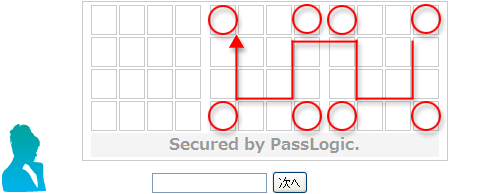
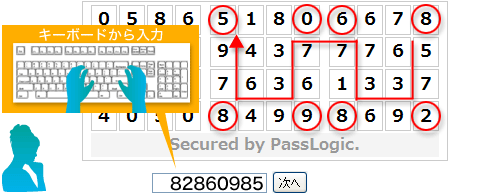
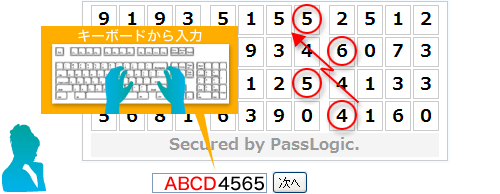
This is example of password(pattern)
*When you change your password, please set up "your" position and order(pattern).
STEP1
Input number(1-9) where you choose position and order(pattern).
STEP2
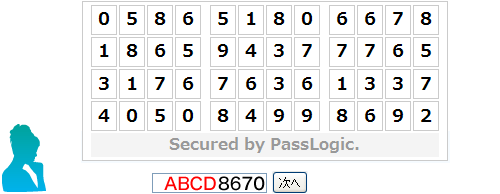
Input number(1-9) where you choose position and order(pattern) again.
*number is differ from STEP1
STEP3
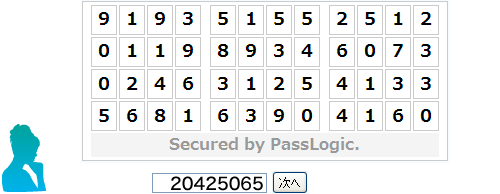
Input number(1-9) where you choose position and order(pattern) to confirm.
Changing password(pattern) with PIN code.
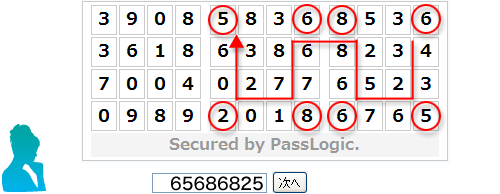
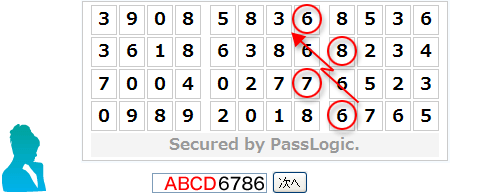
This is example of password(pattern) with PIN code
*When you change your password, please set up "your" position and order(pattern).
STEP1
Input PIN code followed by number(1-9) where you choose position and order(pattern).STEP2
Input PIN code followed by number(1-9) where you choose position and order(pattern) again.
STEP3
Input PIN code followed by number(1-9) where you choose position and order(pattern) to confirm.